
How do I add a discount to my subscription?Updated 8 months ago
1. Access your customer portal here! Where you can log in and see your active subscription
2. Click 'More' and 'Add discount' 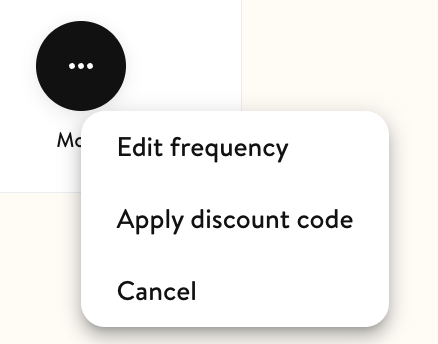
3. Copy in your discount code! 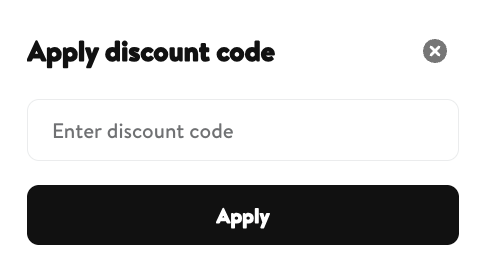
If you need a hand with adding your discount to your subscription then contact us at [email protected] or on our WhatsApp on 07942 333689. 😎