
How do I change the contents of my bundle?Updated 8 months ago
1. Access your customer portal here! Where you can log in and see your active subscription.
2. Click 'Choose your dishes'. Here you can view the contents of your order, and select new dishes😎.
3. You can select/remove dishes in this section. Then click Preview Box to view your changes. 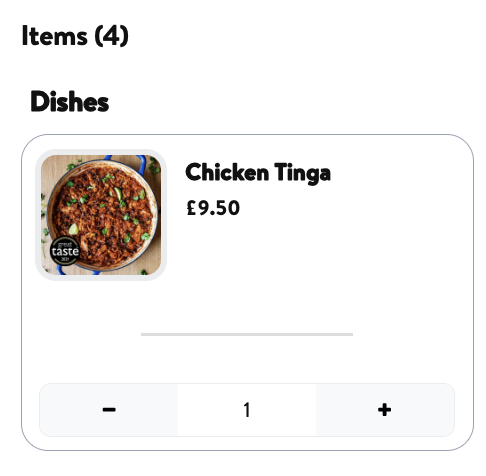
4. Click Save to ensure these changes are applied to your next order!
Please note: Changes made on your customer portal won't affect any order that has been placed and not yet fulfilled. If you need help changing the contents of one of your orders drop us an email at [email protected] or on our WhatsApp on 07942 333689 before your order is due to be fulfilled.